
The worship app anyone can run.
Build a plan and follow it. Bible, songs, slides, media playback — everything a service needs, always one click away.
Everything for worship
From Bible and songs to the slide editor and screen settings.
The Bible
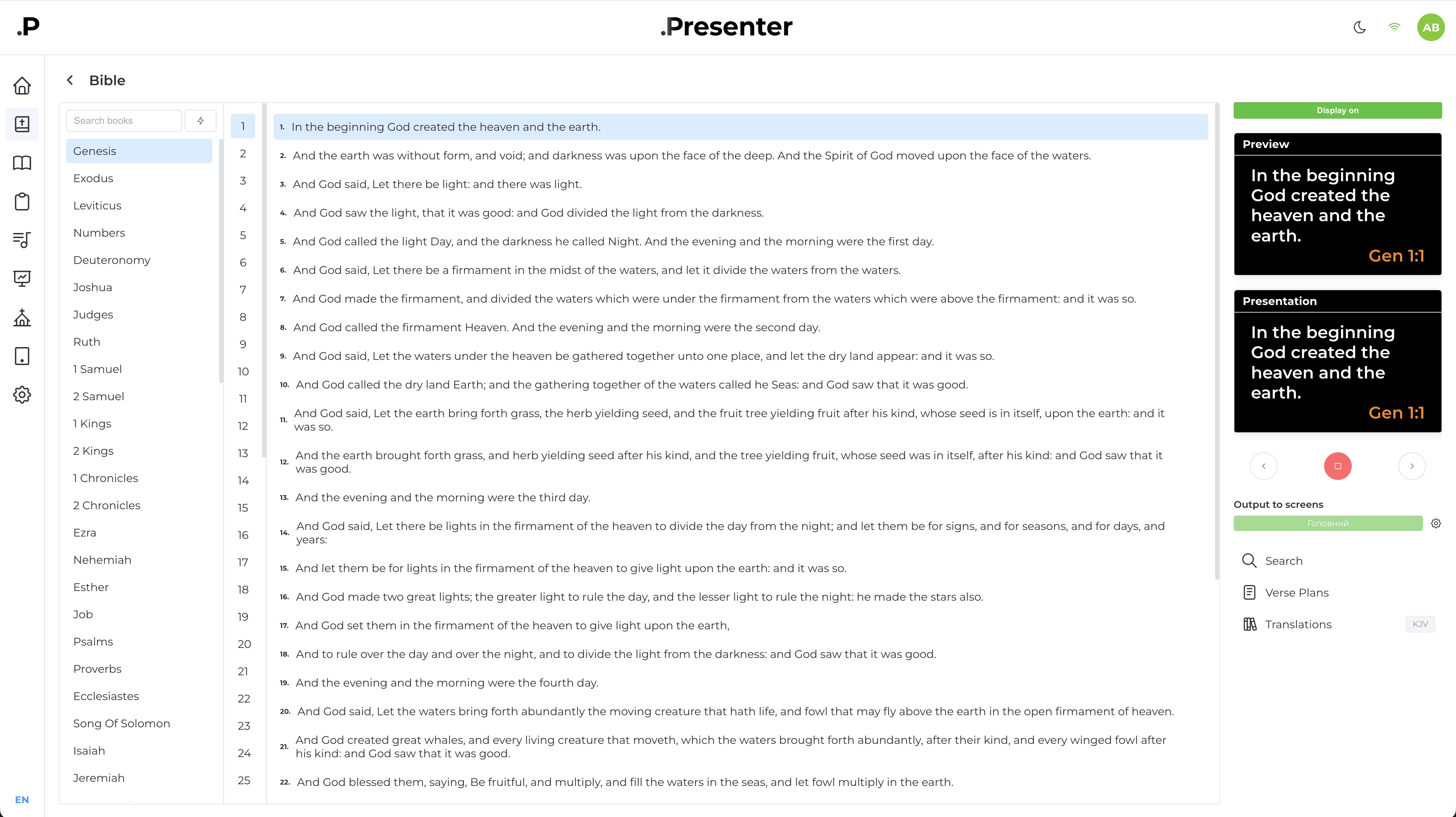
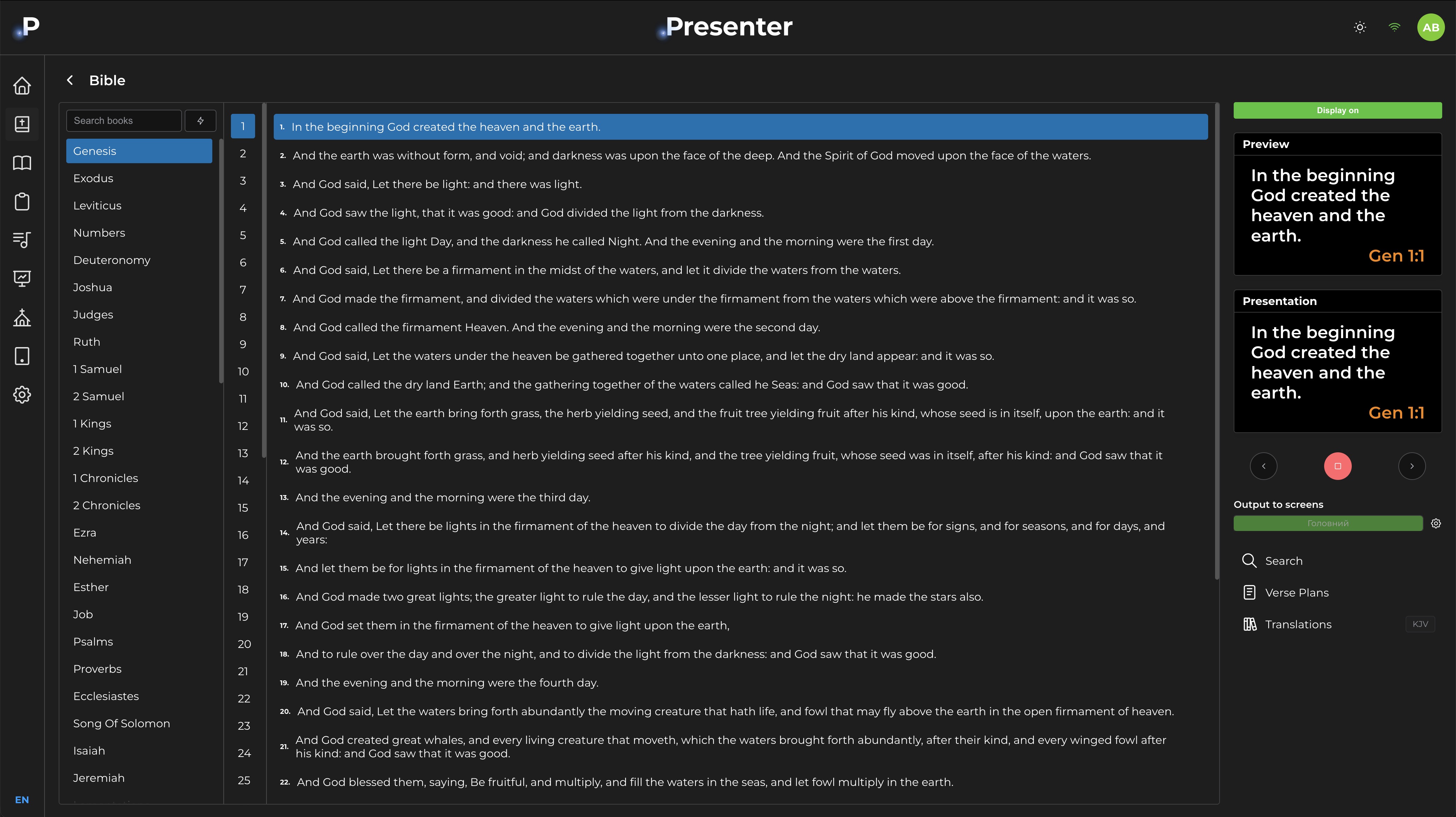
Navigate by book, chapter, and verse. Search the full text. Show any verse on screen in seconds — or plan all the passages for a sermon in advance and step through them in order during the service. Two translations can appear on the same slide at once.
- Multiple translations on the same slide — several Bible translations built in; switch between them at any time, or show two on the same slide simultaneously.
- Sermon verse plans — save a named list of passages ahead of time and step through them one by one while preaching.
Plan it at home
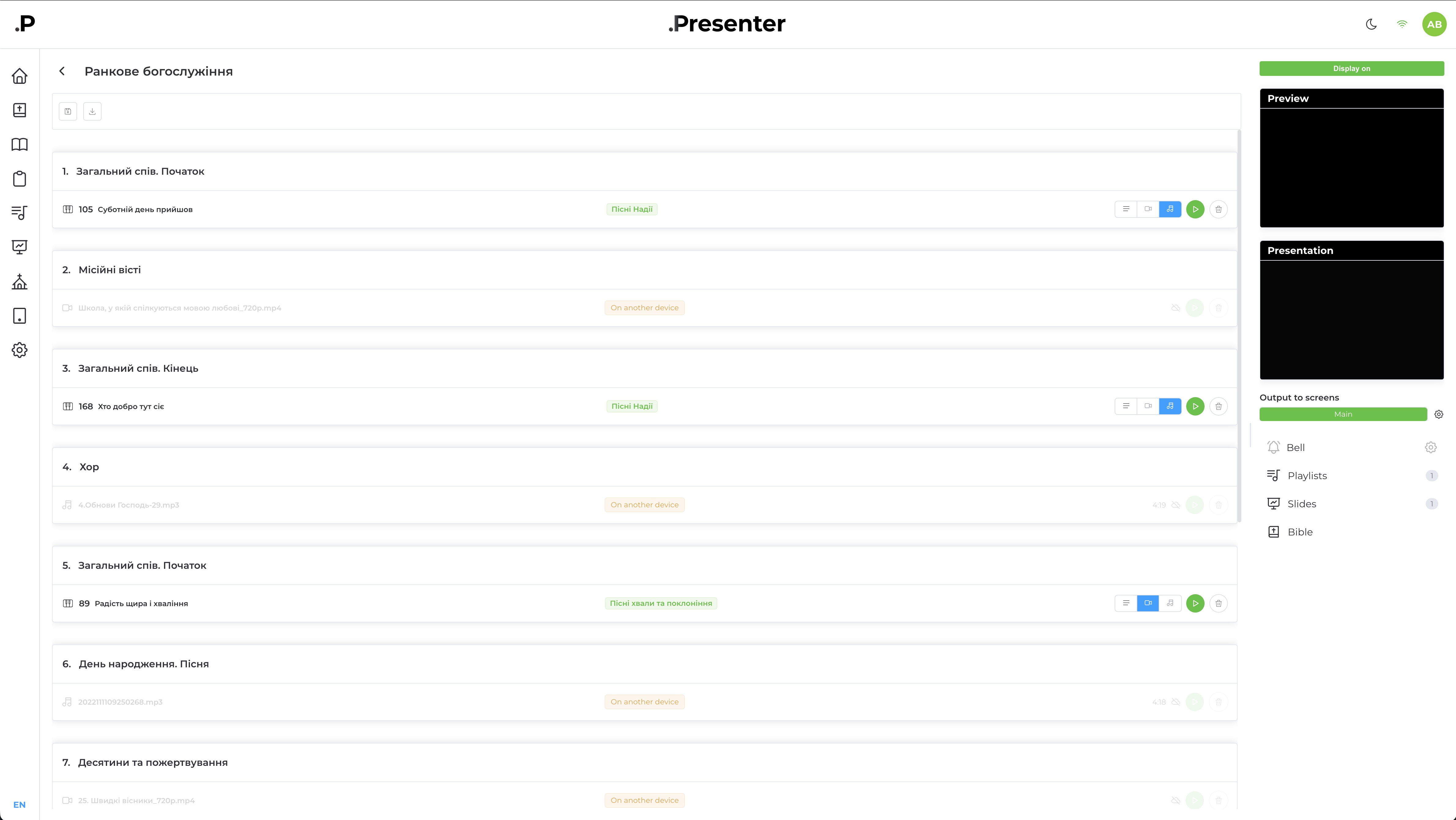
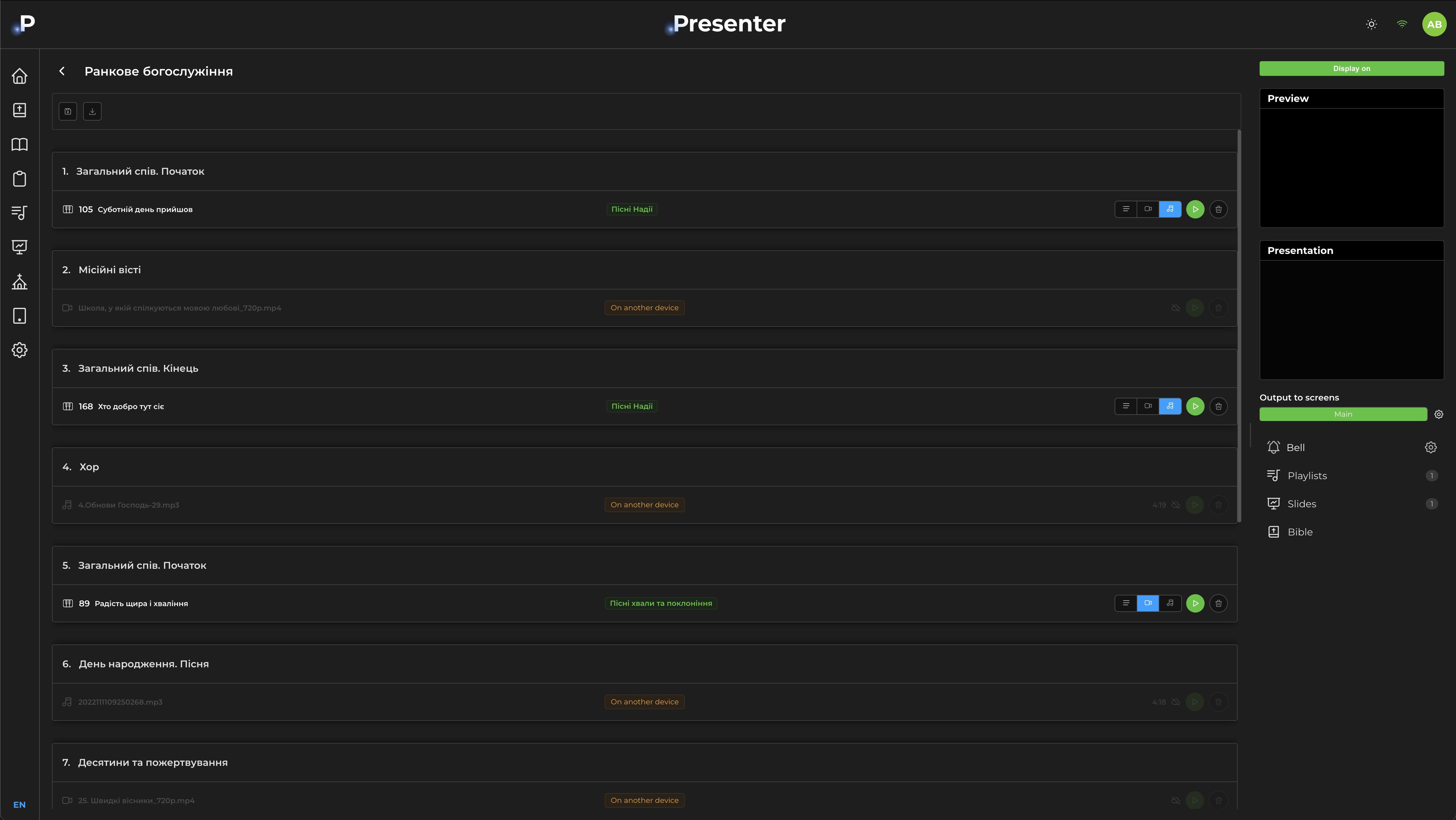
Build your service order during the week — scripture, songs, slides, and videos. The plan saves to the server. At church, open the plan and play each item in sequence.
- Plan from any device — files save to the server; open the same plan from any computer on your team.
- Real-time sync — keep the plan synced across multiple devices and use it for projection and live streaming.
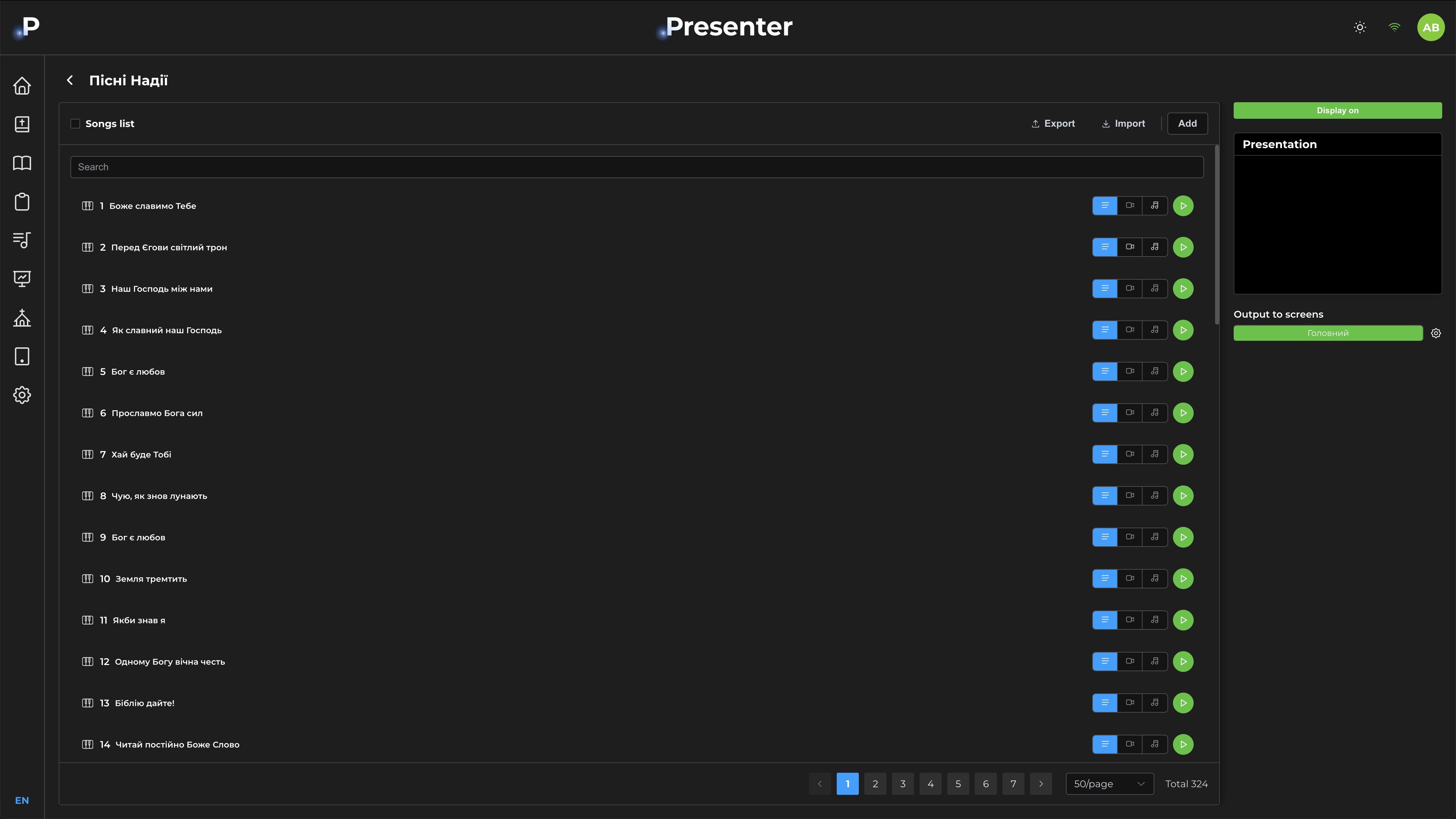
Ready-made song library
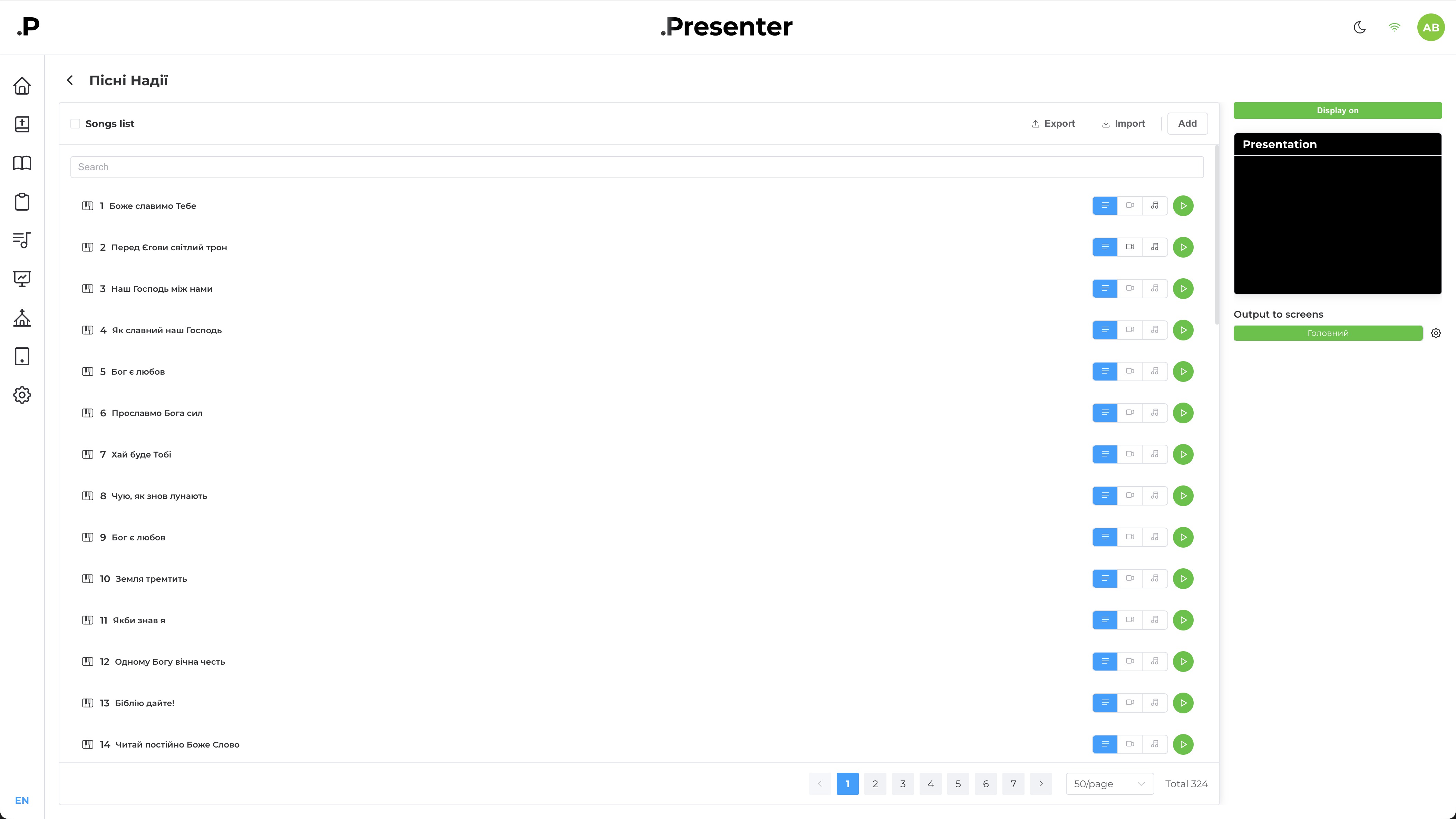
DotPresenter comes with pre-built song collections. You can also add your own songs: lyrics, backing tracks, and karaoke.
- Smart editor — slides auto-generate from song lyrics.
- Mode switching — display as lyrics, backing track, or karaoke.
Dynamic slide editor
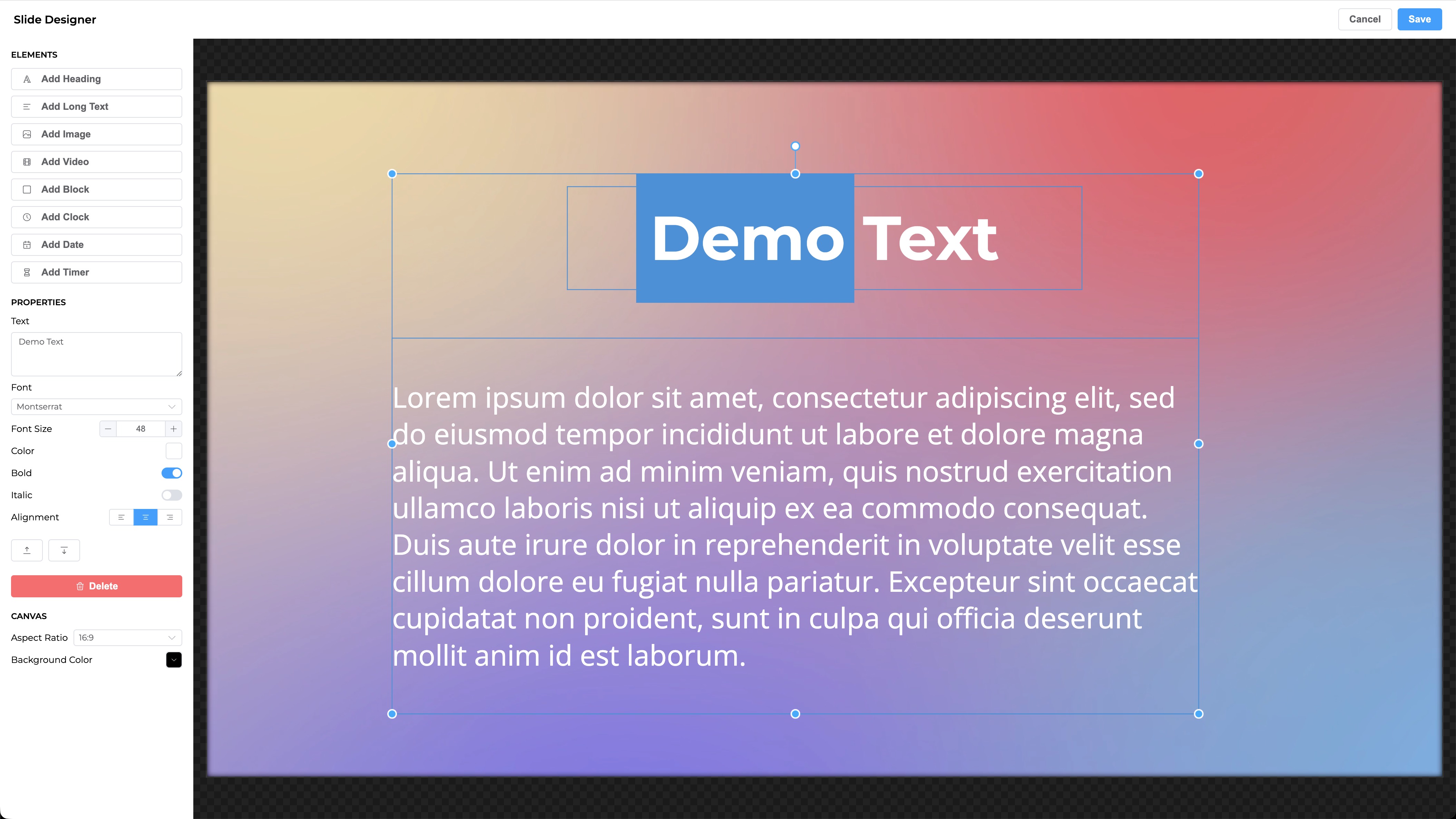
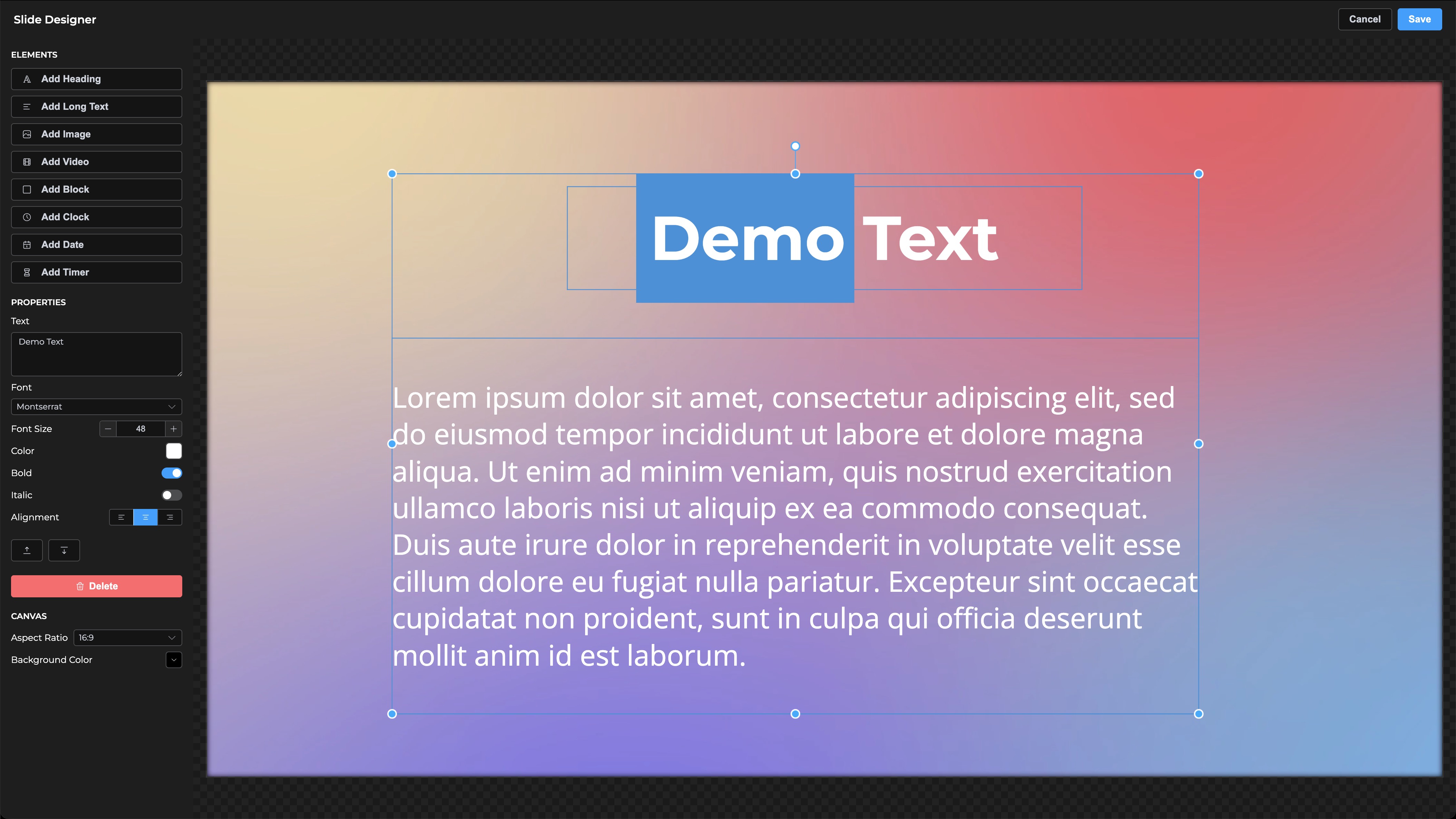
Create custom slides with text, images, video backgrounds, and styling to match your taste — for announcements, sermons, and title screens.
- Dynamic elements — add timers, clocks, or dates to your title screens.
- Smart positioning — magnetic alignment makes building symmetrical designs fast.
Virtual screens
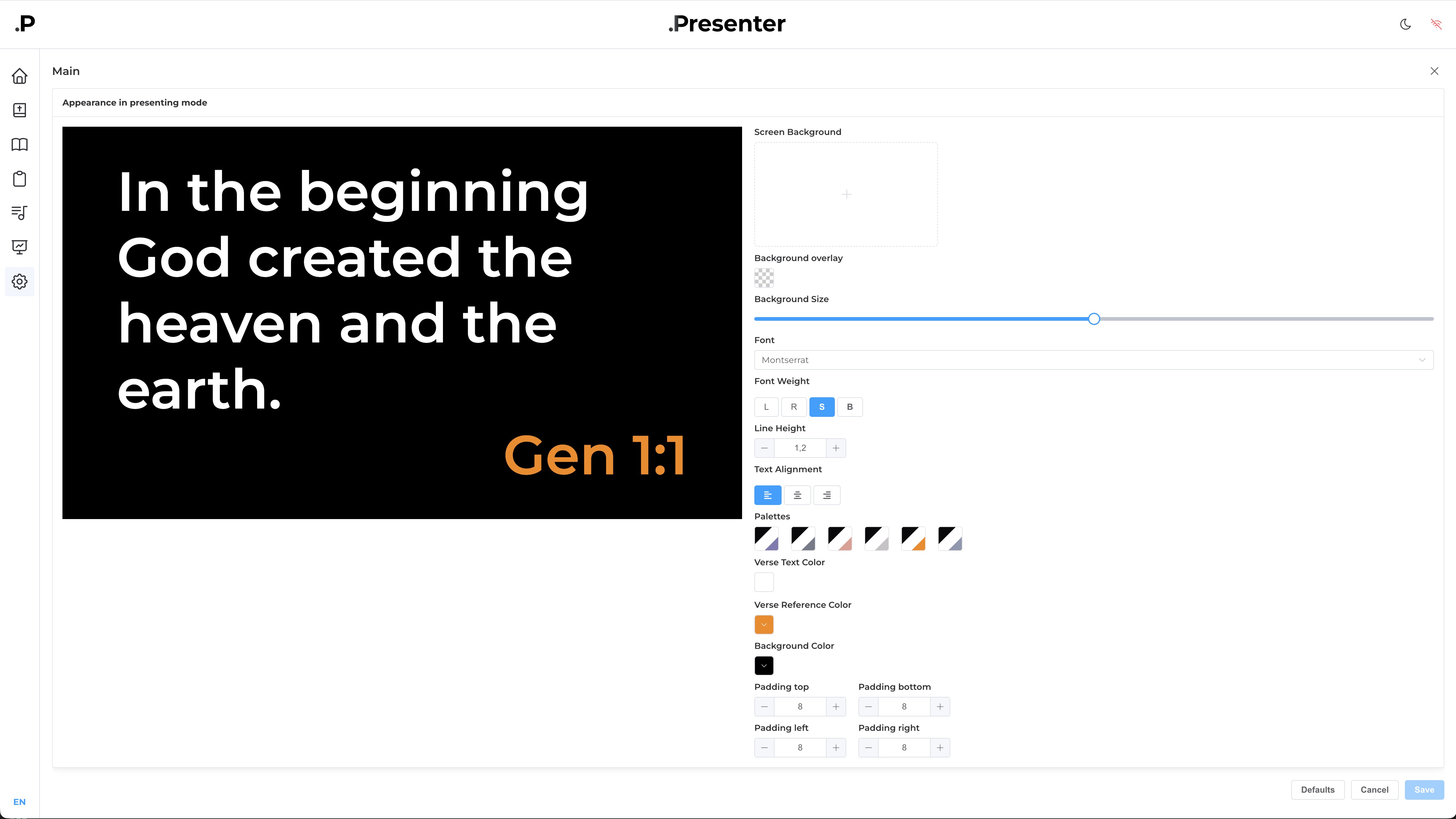
Create multiple virtual screens for output. Use them for hall projection, live streaming, and other purposes.
- Per-screen styling — each display has its own background, font, text colors, and padding set independently.
- Transparent screens — toggle screen transparency for use in OBS.
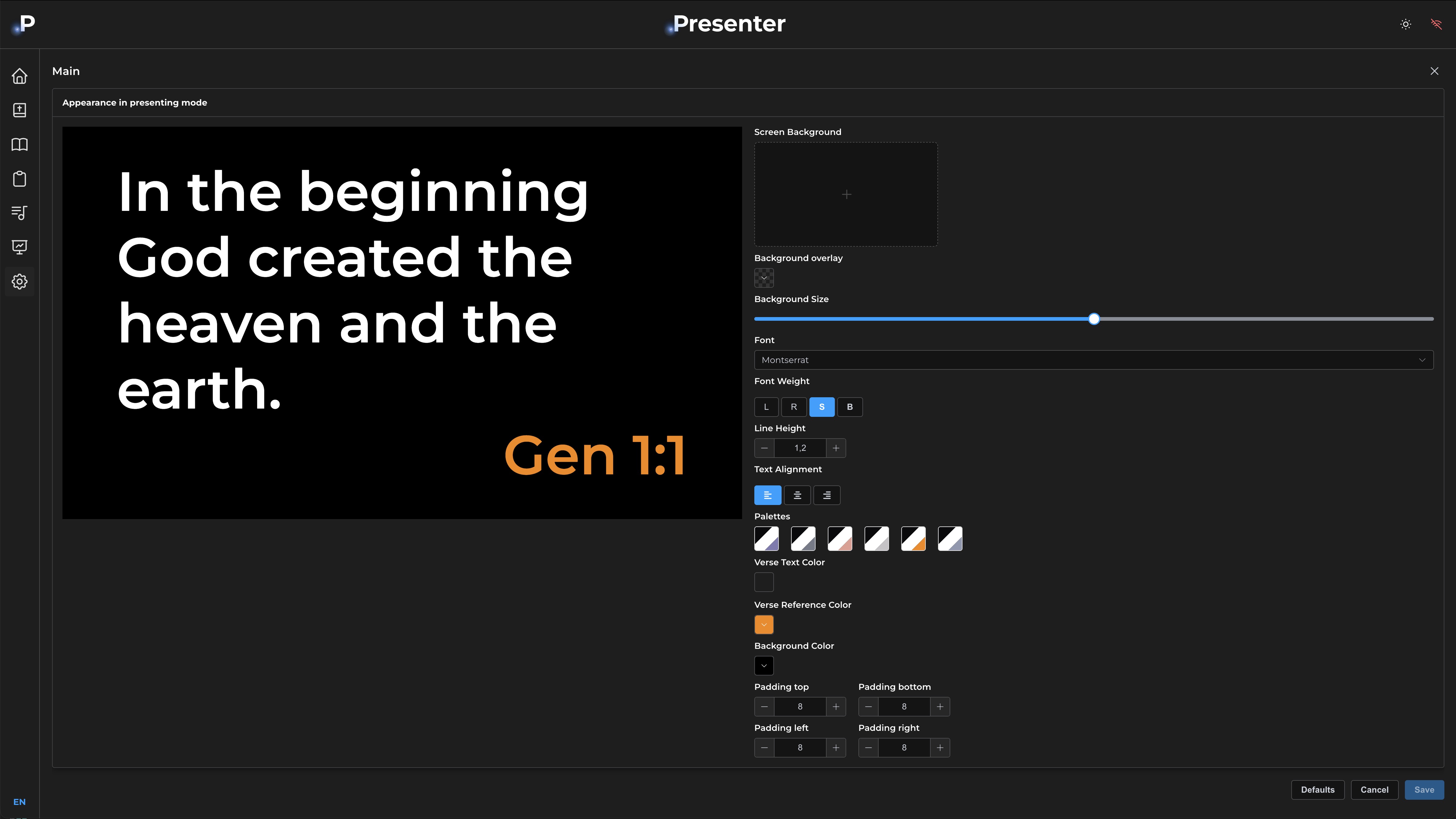
Quick output of any content to screens.
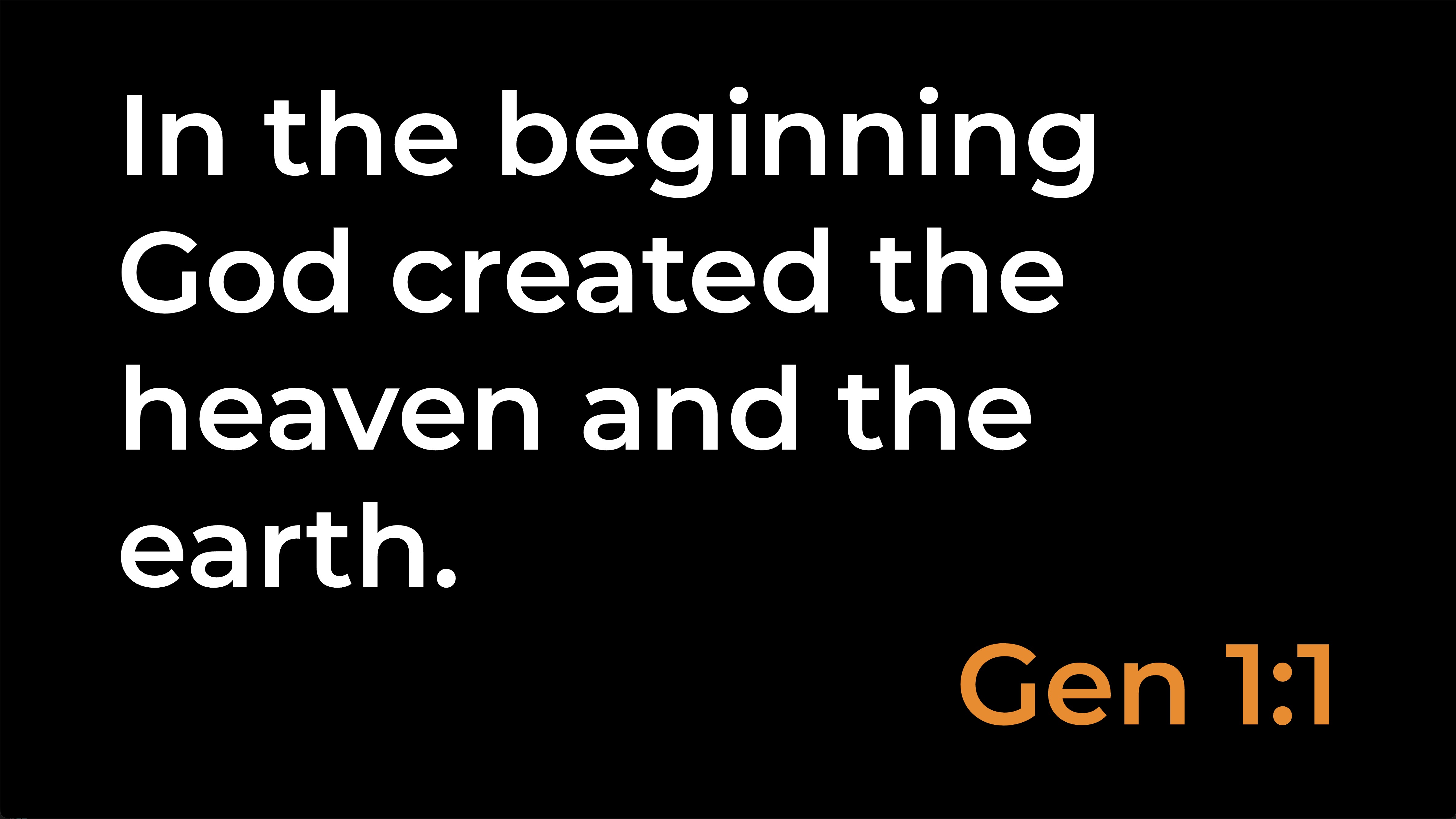
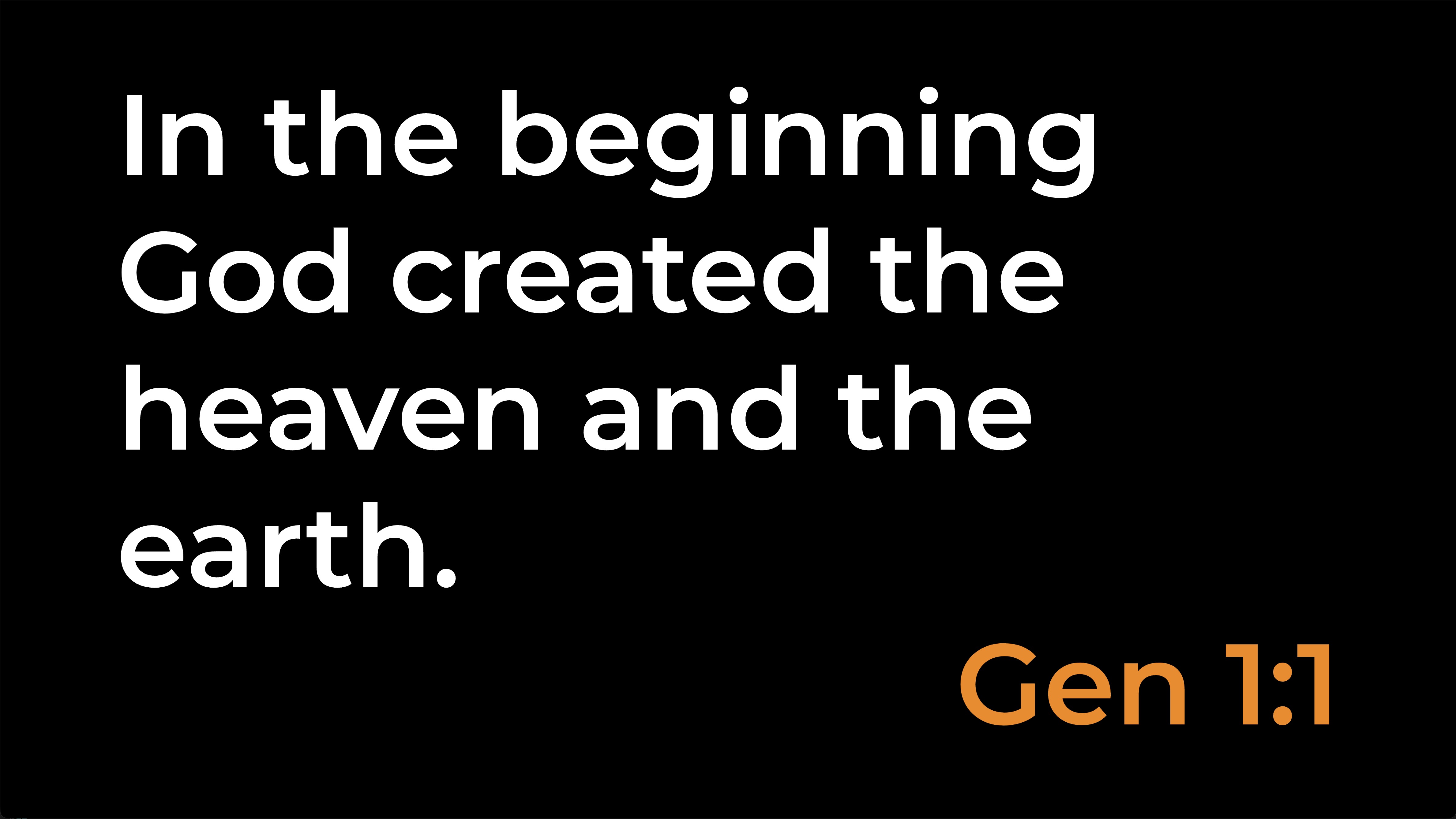
Bible verses, song slides, images, video, timers, custom slides — everything auto-scales to your screen. Plus full screen customization to match your style.
- Auto-scaled text — font size adjusts automatically so text is always readable.
- Custom aspect ratios — each virtual screen can have its own aspect ratio.
What makes it different
Free
No limits, no usage fees. Just download and use.
Built for anyone who wants to operate
An operator with no experience can run a full service. The interface is designed so everyone finds what they need.
The developer is an operator at services
Every feature is built by someone who actually operates at services. That means they consider all operator needs.
Direct contact with the developer
Questions, suggestions, bugs — contact the developer directly.
Download DotPresenter
Free. No account. Pick your platform.
Windows
Windows 10 or later, 64-bit · ZIP archive
Download for WindowsmacOS — Apple Silicon
M1, M2, M3, M4 Macs · DMG installer
Download for Apple SiliconmacOS — Intel
Intel-based Macs · DMG installer
Download for Intel MacQuestions
Is DotPresenter free?
Yes. DotPresenter is free to download and free to use. No subscription, no per-seat pricing.
Does it come with songs?
Yes. DotPresenter ships with pre-built song collections you can drop into a service from day one. You can also add your own songs, attach backing tracks or videos, and combine your songs with the bundled ones in the same service plan.
Can one computer control another?
Yes. When both machines are connected to the same community, you can link them so one DotPresenter controls the other — useful when the operator is at a different machine than the one running the output.
Does DotPresenter need an internet connection?
No. DotPresenter works fully offline — you can run a complete service without internet. With an internet connection, plans sync to the server, your team can edit the same plan together in real time, and you can open the same plan from any device.
How do I install it on macOS?
Download the DMG for your chip (Apple Silicon or Intel), open it, and drag DotPresenter into Applications.
If macOS says the app is damaged or from an unidentified developer, right-click DotPresenter in Applications and choose Open. That prompt only appears once.
How do I install it on Windows?
Download the ZIP, extract it anywhere on your computer, and run DotPresenter.exe. If Windows SmartScreen warns about an unrecognized publisher, click More info → Run anyway.
Can multiple people edit the same service plan?
Yes. Service plans support real-time collaboration when connected to the backend — everyone on your team sees the same plan as it changes.
Where is my data stored?
Locally on your computer. Data does not leave your machine unless you turn on sync.
How do I get updates?
Download the latest installer from this page. Auto-update support is being rolled out.